HorrorPuzzBy
A downloadable game for Windows, macOS, and Android
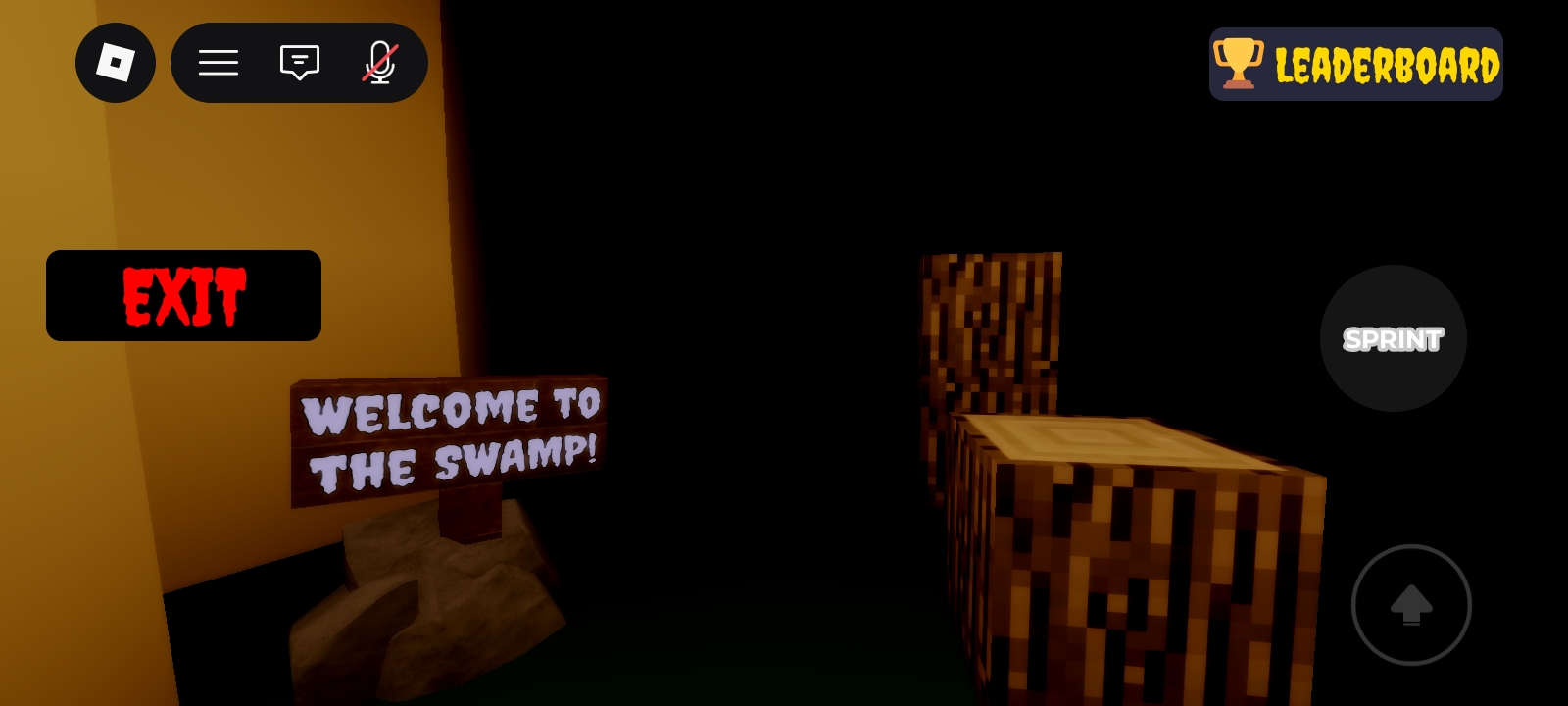
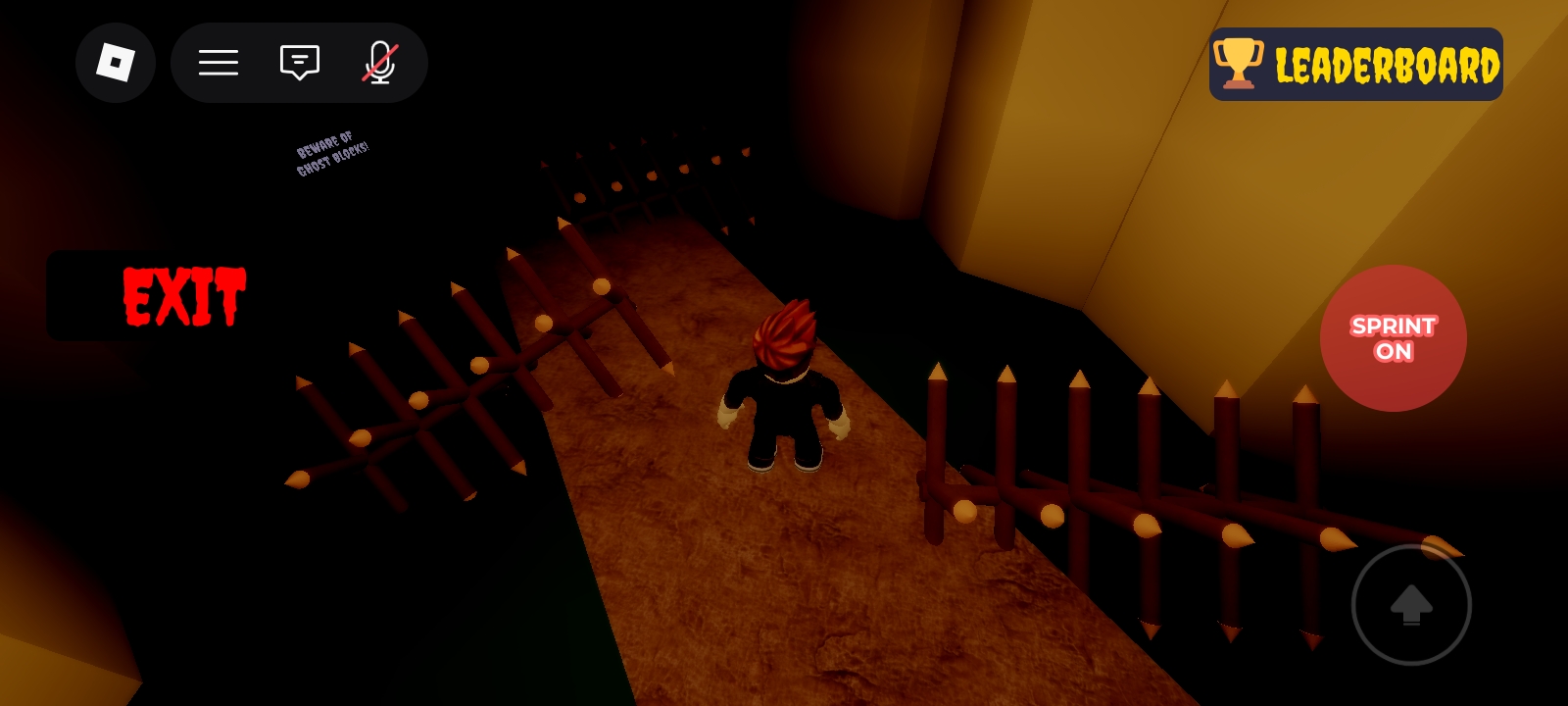
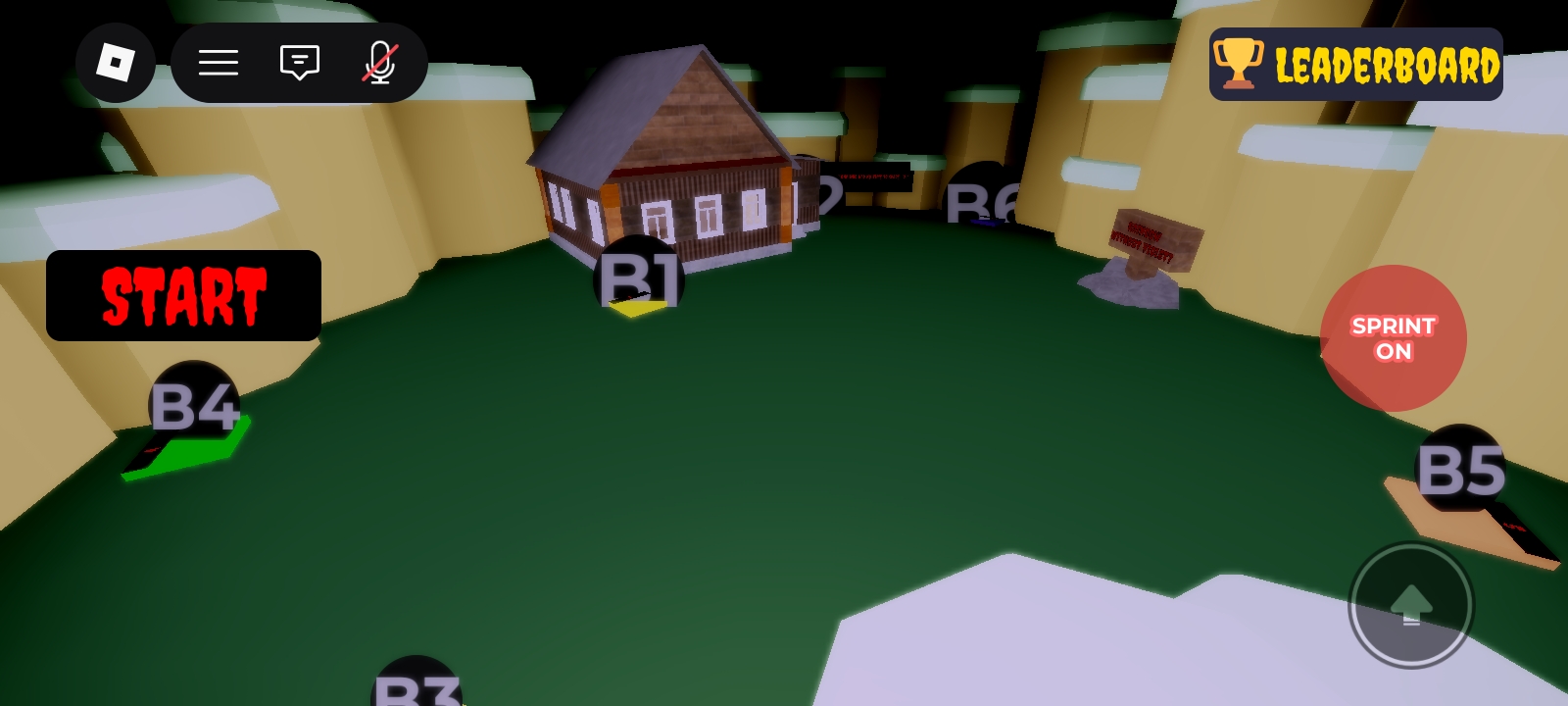
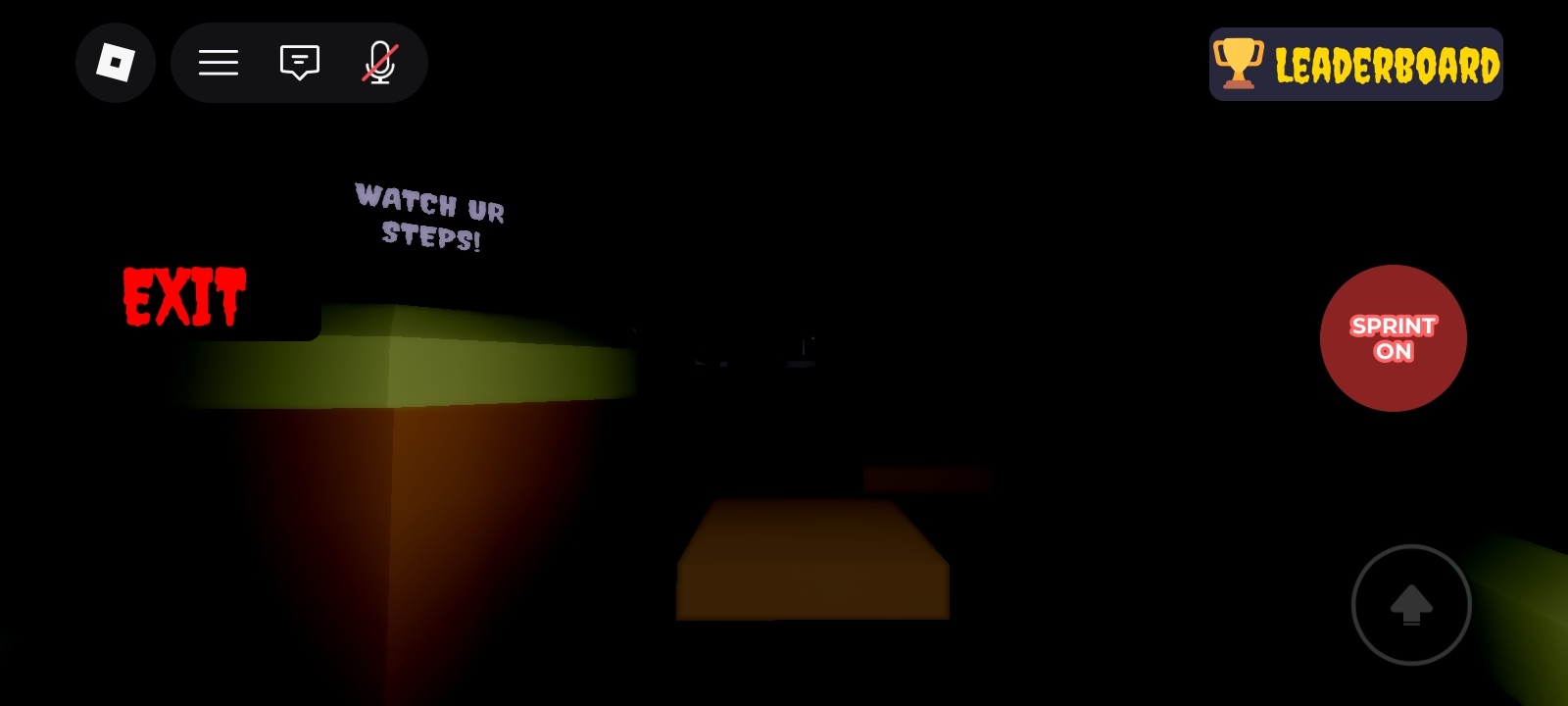
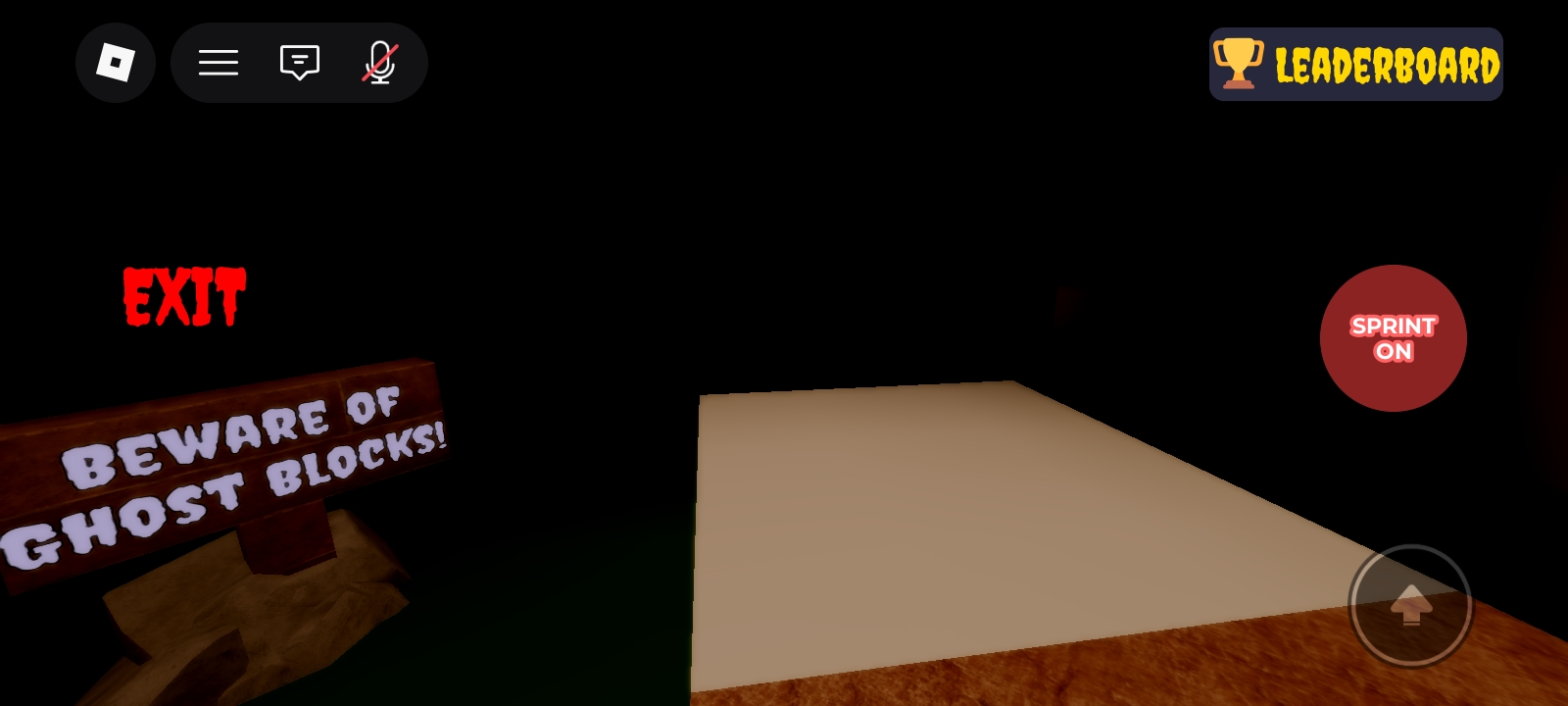
HorrorPuzzBy is a horror-themed puzzle parkour game that will test your nerves and reflexes across 3 terrifying stages. Navigate through vanishing platforms, time your every step, and solve a chilling button puzzle — all before it's too late. Do you have what it takes to reach the safe house?
PC CONTROLS
Movement:
W — Move forward
S — Move backward
A — Move left
D — Move right
Space — Jump
Shift — Sprint (hold while moving)
Camera:
Mouse — Look around
Scroll — Zoom in / out
Right Click — Rotate camera
Other:
Esc — Menu / Settings
/ — Open chat
Tab — Leaderboard
MOBILE CONTROLS
Movement:
D-Pad — Move around (left side of screen)
Jump button — Jump (right side)
Sprint button — Sprint (tap to toggle)
Camera:
Drag — Look around (right side of screen)
Pinch — Zoom in / out
Other:
Menu button — Settings / Menu
Chat icon — Open chat
Download
Install instructions
Installation Guide IT231 | Operating System
Step 1: Download and Install Roblox To begin playing Horror PuzzBy, users must first download and install Roblox on their device.
• For PC or Laptop users, visit the official Roblox website: Roblox Official Website
• For Android users, download Roblox from the Google Play Store: Roblox on Google Play
• For iPhone or iPad users, download Roblox from the App Store: Roblox on App Store
Step 2: Create an Account or Log In After installing Roblox, open the application and select Sign Up if you do not yet have an account. Fill in the required information such as Username, Password, and Birthday. If you already have an account, simply click Log In and enter your credentials.
Step 3: Search for "HorrorPuzzBy"
• Locate the Search Bar at the top of the Roblox interface.
• Type HorrorPuzzBy in the search field.
• Select the game titled HorrorPuzzBy from the search results. Step 4: Launch the Game • Open the HorrorPuzzBy game page.
• Click or tap the Play button.
• Wait for the game to load completely.
• Once loading is finished, the player will automatically enter the game environment and may begin exploring the horror puzzle experience.